
SketchUp for Kitchen Design: Capabilities, Limits, and the 2020 Flex Alternative
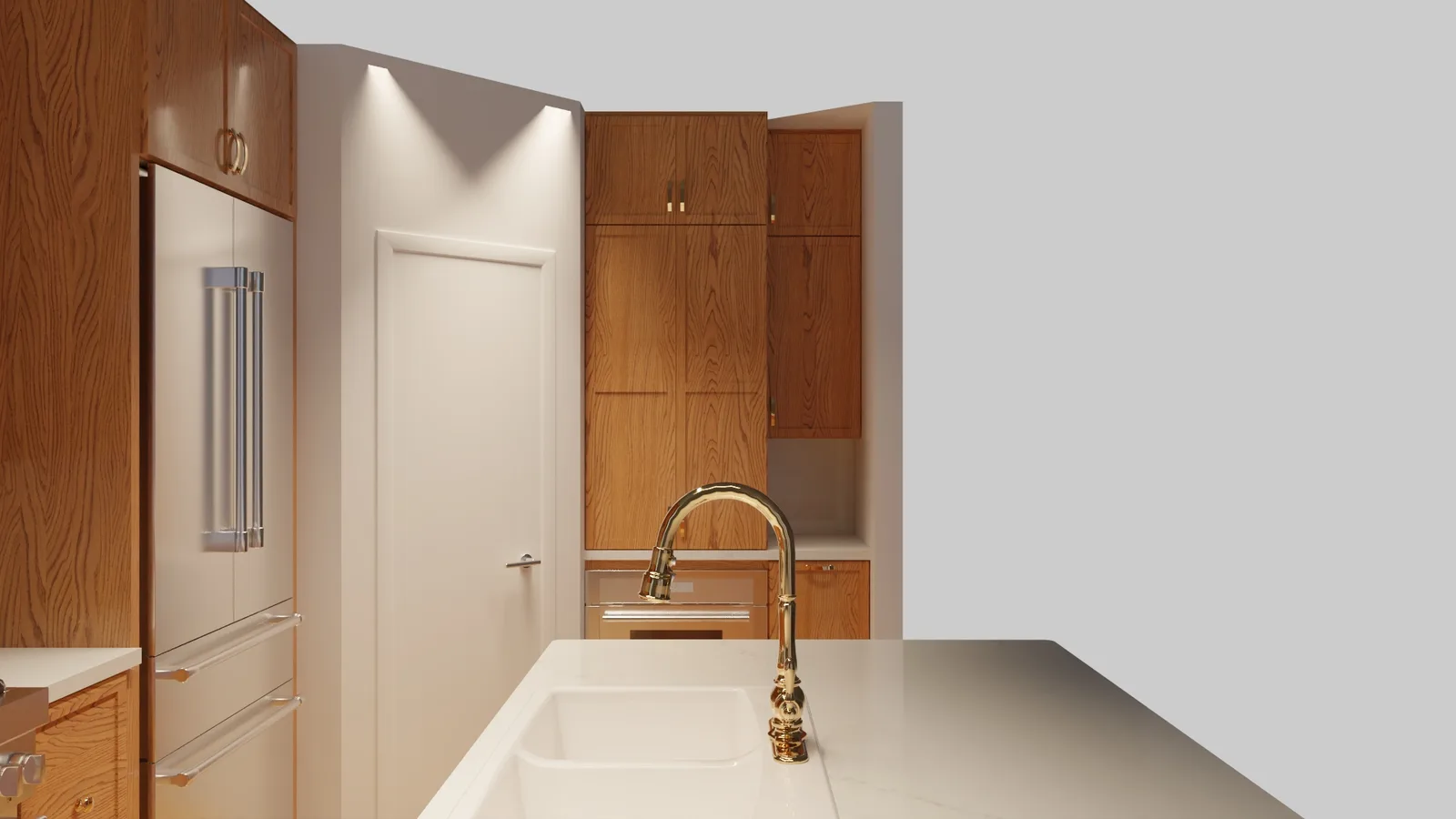
SketchUp has a wide user base in architecture and interior design, and its name comes up regularly when kitchen dealers and remodelers start evaluating design software. It is affordable, visually capable, and broadly familiar. For certain use cases it works fine. For production-level cabinet design, however, it has structural gaps that matter a great deal once client expectations and ordering workflows enter the picture.
What SketchUp Is (and Is Not)
SketchUp is a general-purpose 3D modeling tool from Trimble. It excels at spatial visualization, concept modeling, and quick walkthroughs. Architects use it for massing studies, interior designers use it for furniture placement, and educators use it in design curricula worldwide.
What it is not is a cabinet-specific design platform. It was built as a modeling sandbox, not as an end-to-end kitchen design and ordering tool. That distinction sounds minor but has real operational consequences for anyone running a cabinet business.
SketchUp Pricing (2026)
SketchUp offers four subscription tiers, billed annually:
- SketchUp Free: $0, browser-based, for personal non-commercial use
- SketchUp Go: $129 per year, iPad and web access
- SketchUp Pro: $399 per year, desktop plus web, professional use
- SketchUp Studio: $819 per year, includes V-Ray rendering integration and advanced tools
For a professional kitchen design context, Go is insufficient. Pro at $399 is the entry point for commercial work, and Studio at $819 applies for teams that need V-Ray photoreal rendering without a separate rendering subscription.
Compared to cabinet-specific platforms, the price is low. A 2020 Flex seat runs $2,495 to $2,995 per year. But price is not the only variable. The right question is whether the tool can actually do the job.
What SketchUp Cannot Do for Cabinet Pros
Here is where the gap between SketchUp’s price and its fitness for production cabinet work becomes clear:
No integrated manufacturer catalogs. 2020 Flex ships with catalogs from hundreds of cabinet manufacturers, allowing designers to place real SKUs, generate accurate quotes, and produce ordering documents. SketchUp has no equivalent. You can import a 3D model of a cabinet component if a manufacturer provides one, but you are building geometry manually, not placing live catalog items.
No bill of materials with SKUs. A production kitchen design needs to output a list of every cabinet, modification, and accessory with the exact SKU the manufacturer recognizes. SketchUp cannot generate this automatically. Creating it manually from a SketchUp model is time-intensive and error-prone.
No native .kit file output. The 2020 Design .kit file is the industry-standard project format that manufacturers, suppliers, and ordering systems recognize. SketchUp produces .skp files. Converting that output into a format your supplier accepts requires additional steps, tools, or manual re-entry. For dealers working with suppliers who expect 2020 Flex deliverables, this creates friction at every handoff.
Elevations require manual drafting. Cabinet elevations, the dimensioned front-view drawings that installers and clients rely on, are automatically generated in 2020 Design. In SketchUp, you construct them as manual drawing views, which takes significantly more time and introduces more opportunity for dimensional errors.
No NKBA-compliant dimensioning out of the box. Professional cabinet designs follow NKBA (National Kitchen and Bath Association) standards for dimensioning and layout notation. 2020 Flex follows these by default. SketchUp requires workarounds or extensions to approximate them.
Where SketchUp Is Actually Useful
Dismissing SketchUp entirely would be unfair. There are legitimate uses in a kitchen business context:
- Quick concept sketches before committing to a full design in a catalog-based tool
- Client mood-board visualizations that do not need ordering accuracy
- Sales presentations for custom or semi-custom cabinetry where SKU-level precision is handled separately
- Designers who are already highly proficient in SketchUp and use it alongside a separate quoting or ordering process
If your workflow already separates the visualization step from the quoting step, and your team knows SketchUp well, it can serve as a front-end visualization tool. But for most cabinet dealers, that separation creates more work, not less.
The 2020 Flex Standard
2020 Flex (formerly 2020 Design, rebranded by Cyncly) was purpose-built for the kitchen and bath trade. Every function that SketchUp lacks, 2020 Flex handles natively: parametric cabinet placement from live manufacturer catalogs, automatic elevations and floor plans, photoreal rendering, SKU-level price lists, .kit file output, and LiveSpace 3D walkthroughs.
When clients see a 3D kitchen rendering produced in 2020 Flex alongside a dimensioned elevation and an itemized price list, they have everything needed to make a purchase decision and a contractor has what they need to install. SketchUp can produce the visual but not the supporting documentation without significant additional effort.
For the cabinet brands that matter most to your business, 2020 Flex carries 300+ integrated catalogs. Missing brands are typically available as add-ons.
The Cost Reality of Going In-House with 2020 Flex
If SketchUp’s appeal is primarily its $399 price tag, it is worth knowing what in-house 2020 Flex actually costs and whether the comparison changes the calculus.
A 2020 Flex Design seat runs $2,495 to $2,995 per year. Add a workstation (around $2,000), initial training ($1,000 to $3,000), and a designer’s salary ($55,000 or more per year), and the first-year cost of a single operational seat runs $60,000 or more. The software price is a small fraction of the real operating cost.
SketchUp at $399 does not solve that problem. You still need a trained operator, still need to produce compliant deliverables, and still face all the manual workarounds the platform requires for production cabinet work.
The Outsourcing Option
There is a third path that neither SketchUp nor a full 2020 Flex license represents: outsourcing kitchen design to a team that already runs 2020 Flex at scale.
Fast Kitchen Design produces professional 2020 Flex designs for $100 per room, delivered by 9 AM the next business day. Every project includes the native .kit file, photoreal renders, dimensioned elevations, floor plans, an items/price list, and a LiveSpace 3D walkthrough. Revisions are unlimited. There are no contracts, no minimum volumes, and no annual commitments.
For a cabinet dealer or remodeler doing 10 to 40 rooms per month, this model removes the entire fixed-cost question. You get 2020 Flex output, NKBA-standard documentation, and full ordering-ready files at $100 per project, with no software subscription, no hardware purchase, and no designer on payroll.
The service covers 55+ cabinet brands, and any missing catalog is added within 48 hours of request.
Choosing the Right Tool for Your Volume
Here is a practical guide to which approach fits which business:
SketchUp makes sense if:
- You need quick conceptual visuals for pre-sales conversations
- Your design process is separated from ordering and your team handles the ordering workflow separately
- You do fewer than 5 designs per month and ordering accuracy is managed elsewhere
Own a 2020 Flex seat if:
- You produce 50 or more rooms per month consistently
- Real-time client-meeting adjustments require the software open and running in the room
- Your team is already trained on the platform and the incremental seat cost is low
Outsource to FKD if:
- You want professional 2020 Flex output without owning the software
- Volume is unpredictable or you face seasonal overflow
- You are building a design capability without the upfront investment in seats and staff
The Production Standard for Kitchen Design
SketchUp is a good tool for what it was designed to do. Kitchen and bath production design is not that thing. The catalog integration, .kit file output, automatic BOMs, and NKBA-standard documentation that 2020 Flex generates automatically require manual workarounds in SketchUp that add time and risk to every project.
For dealers who want the output that 2020 Design has always produced, the choice is between owning a seat and getting started with a service that already does.